Groceries with ease,
every week.
A modern grocery app for the way you live.
Manage staples and recipes, keep separate carts for the week and the midweek run, share in real time, and send the whole list to Instacart in one tap.
Free for 30 days · No credit card required · $3.99 / mo after
Four steps. Done.
From empty fridge to Instacart order in minutes.
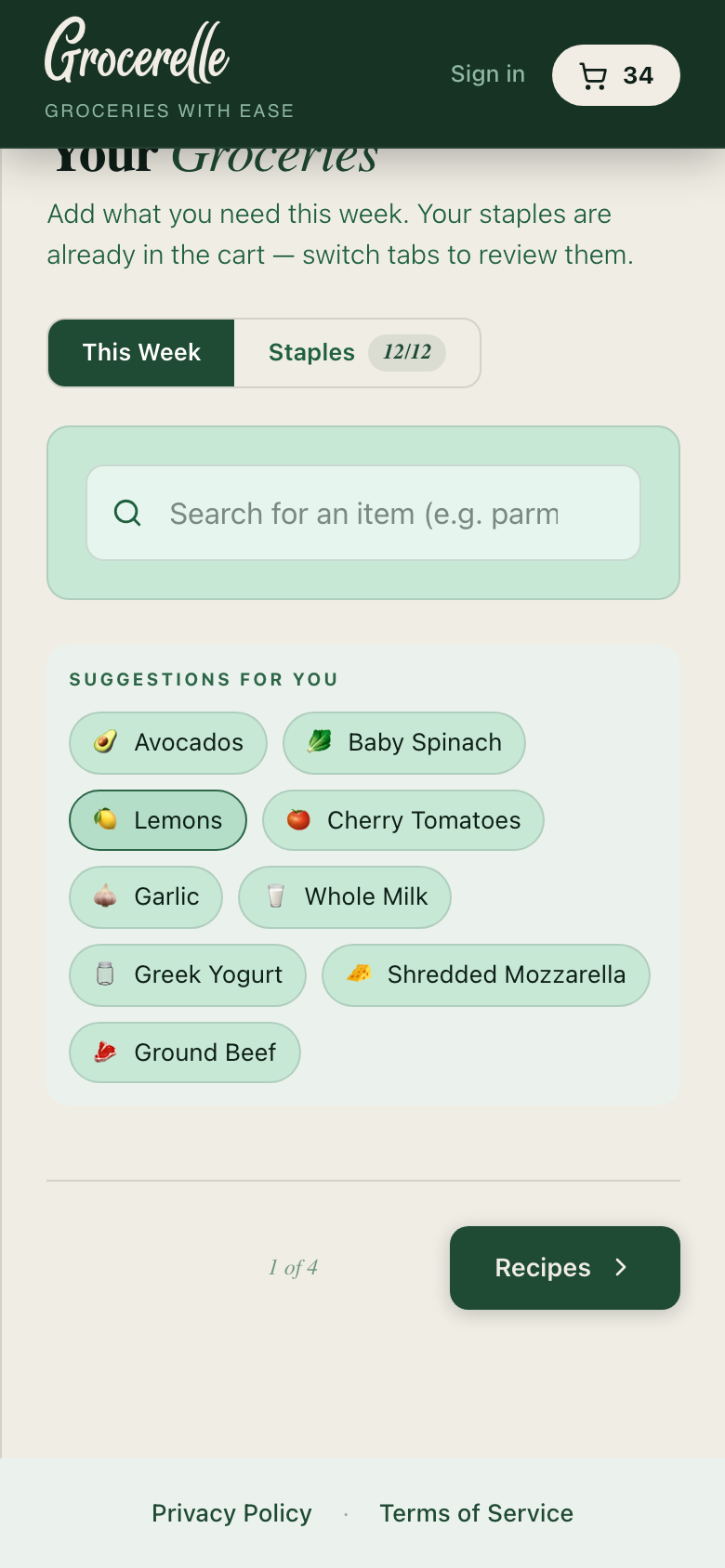
Groceries
Your weekly staples auto-populate every time. Uncheck what you don't need, then search and add anything extra.
Recipes
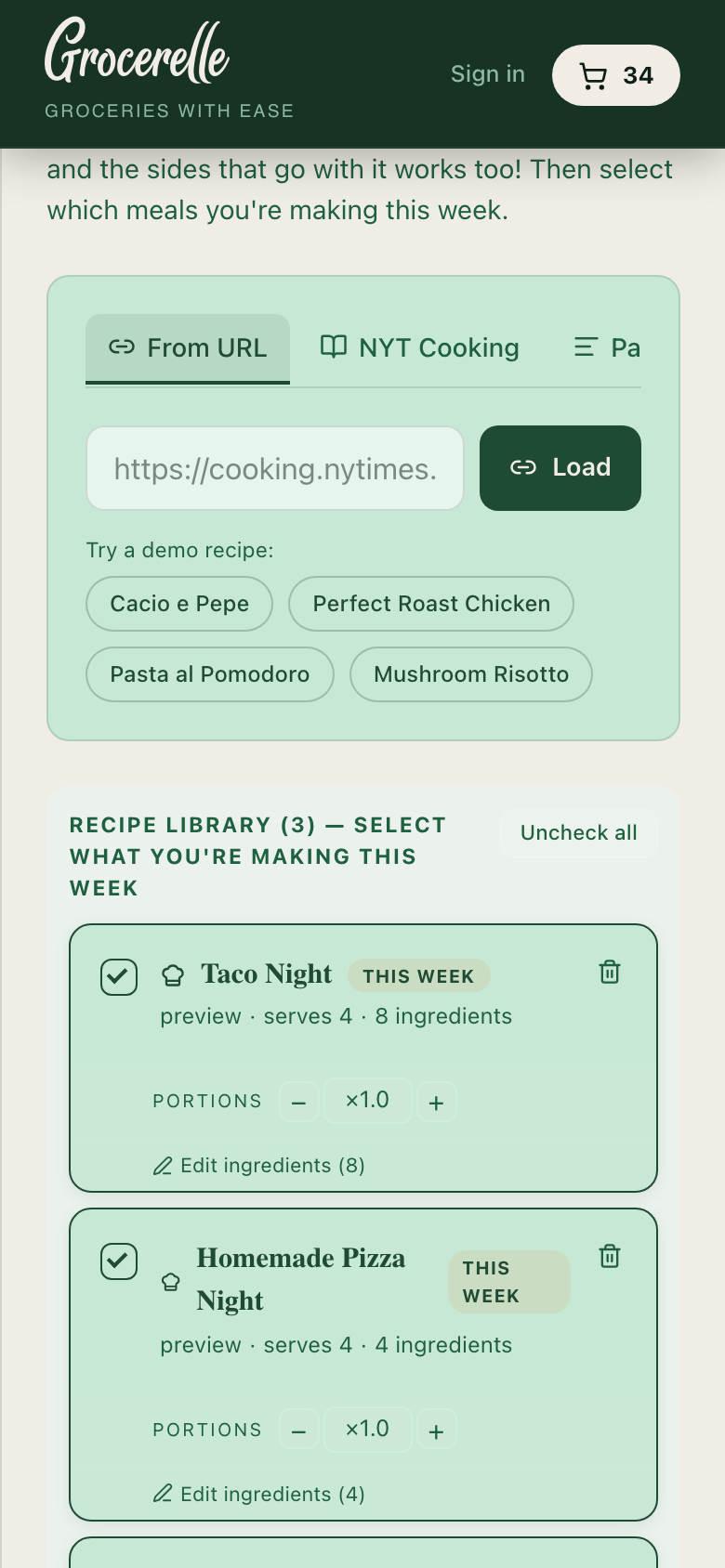
Import from any URL or photo, organise your recipe box, then pick which meals you're making this week.
Calendar
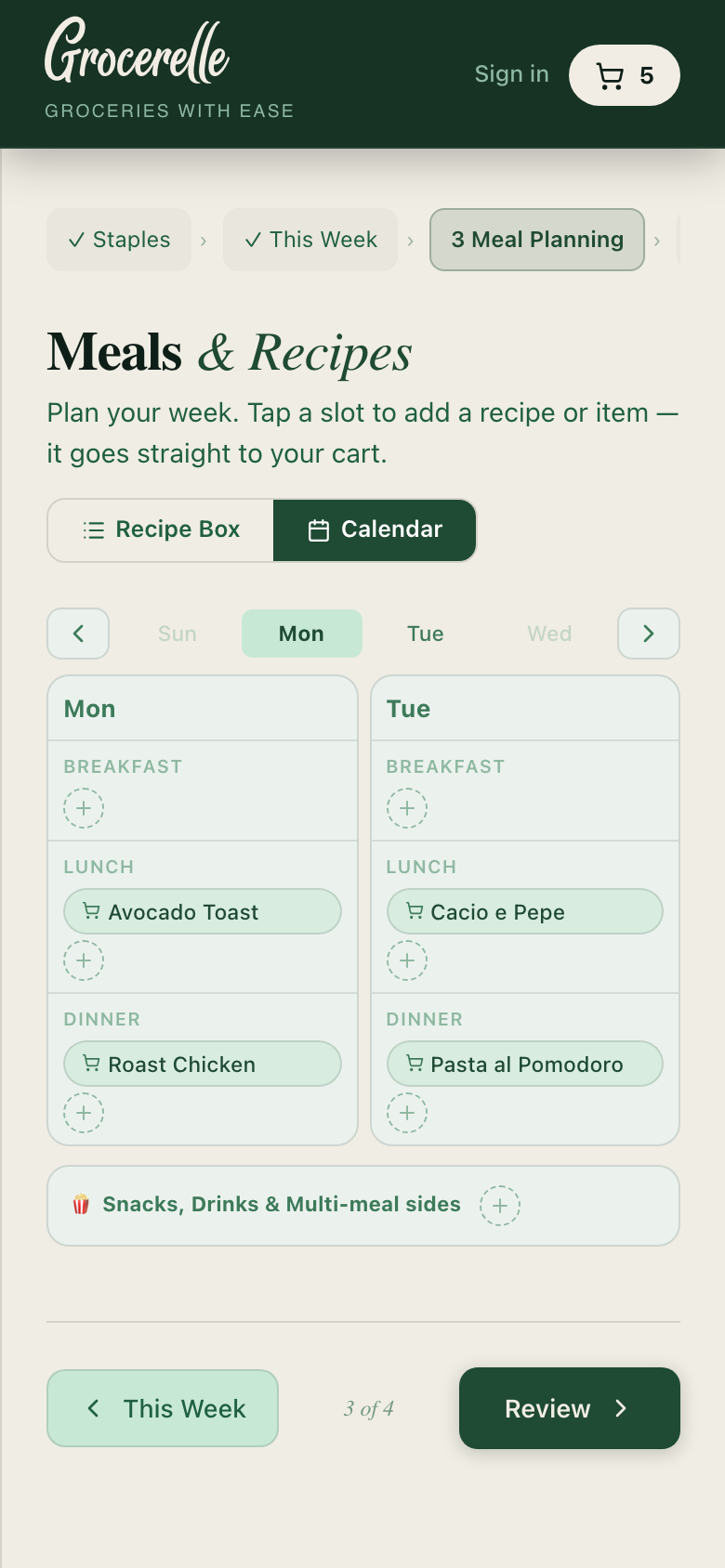
Optional — pin meals to days if you want to plan the week. Skip it and go straight to your order.
Review & Send
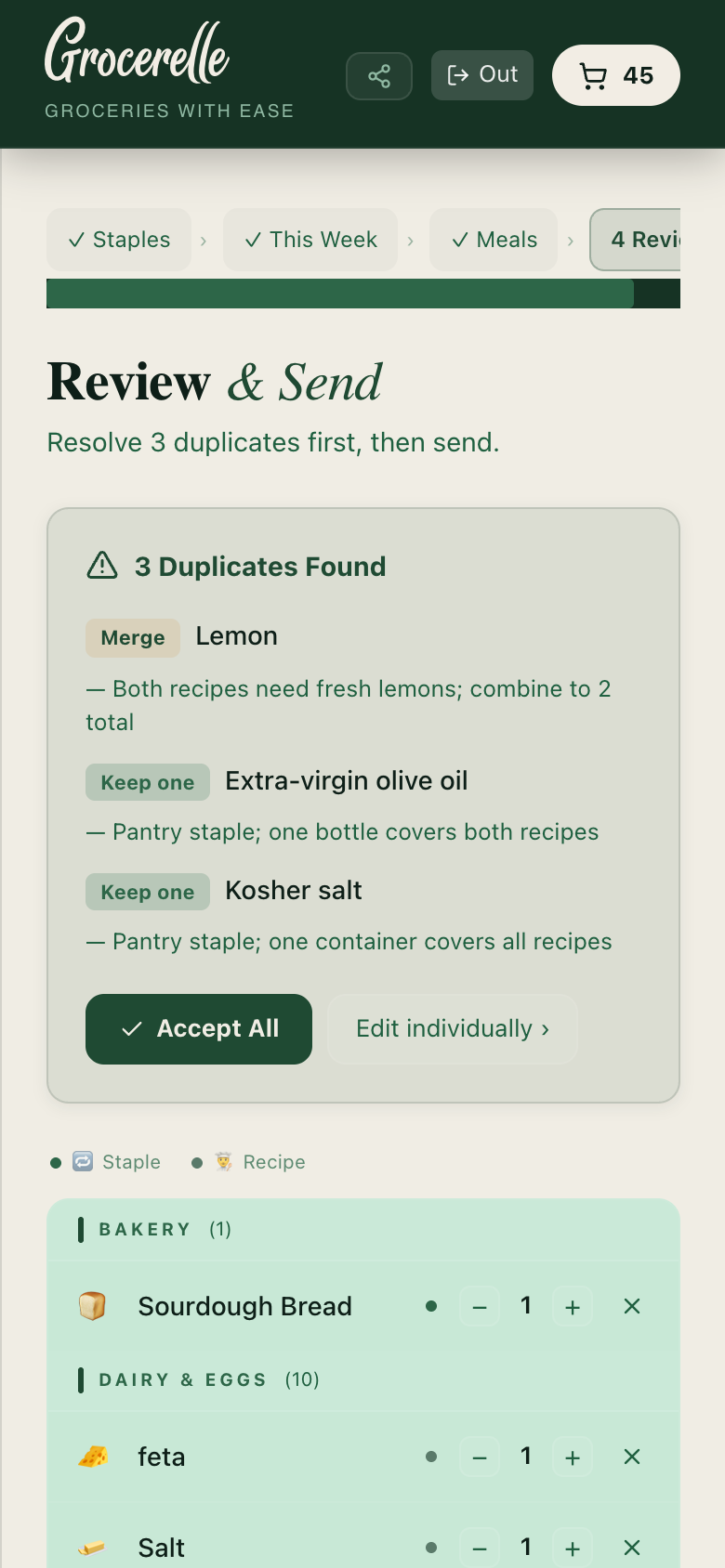
AI flags duplicate ingredients across your list. Merge with one tap, then send the whole cart to Instacart.
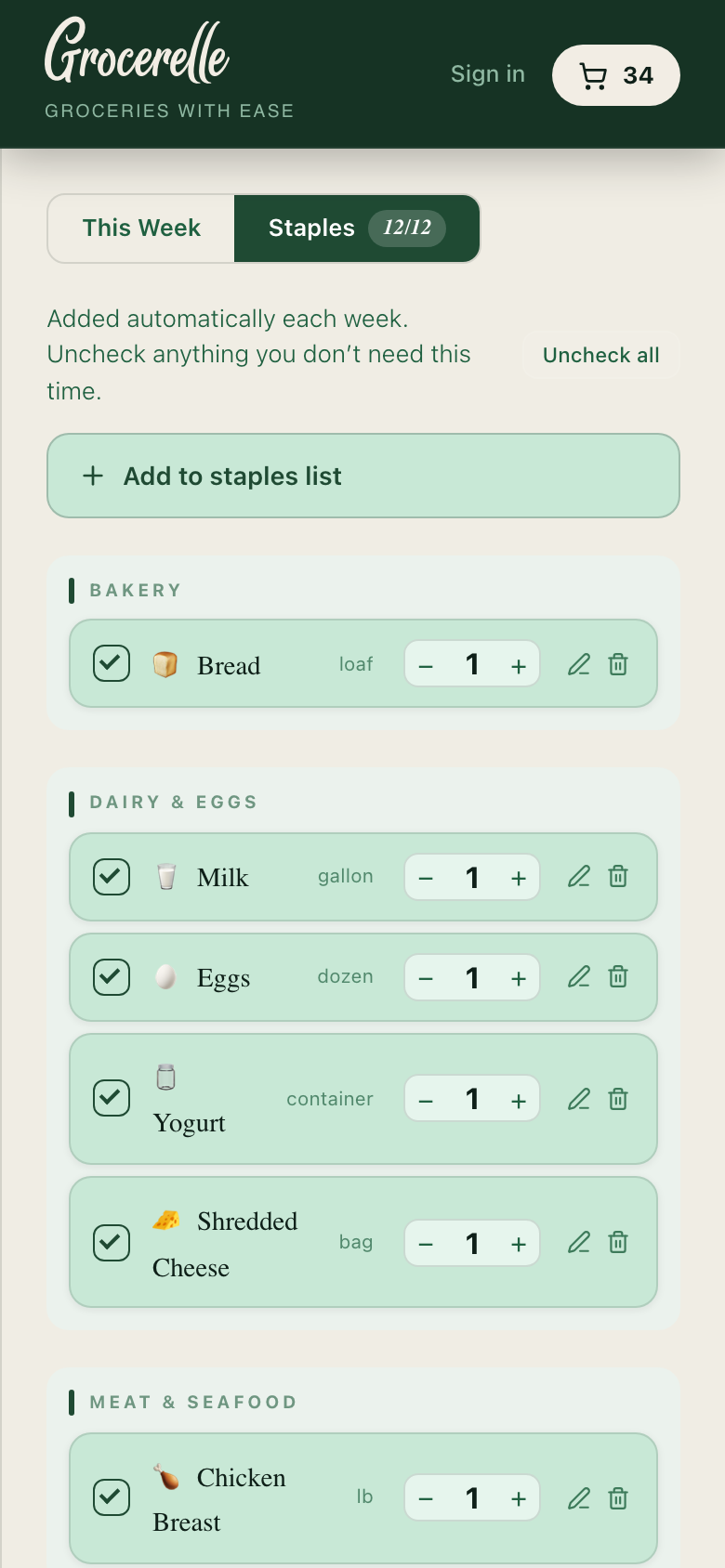
Essentials stay, week-over-week.
Your staples are set once and land in the cart every week on their own — the eggs, the milk, the coffee that keeps the house running. Uncheck what you don't need this time; it's back next week.
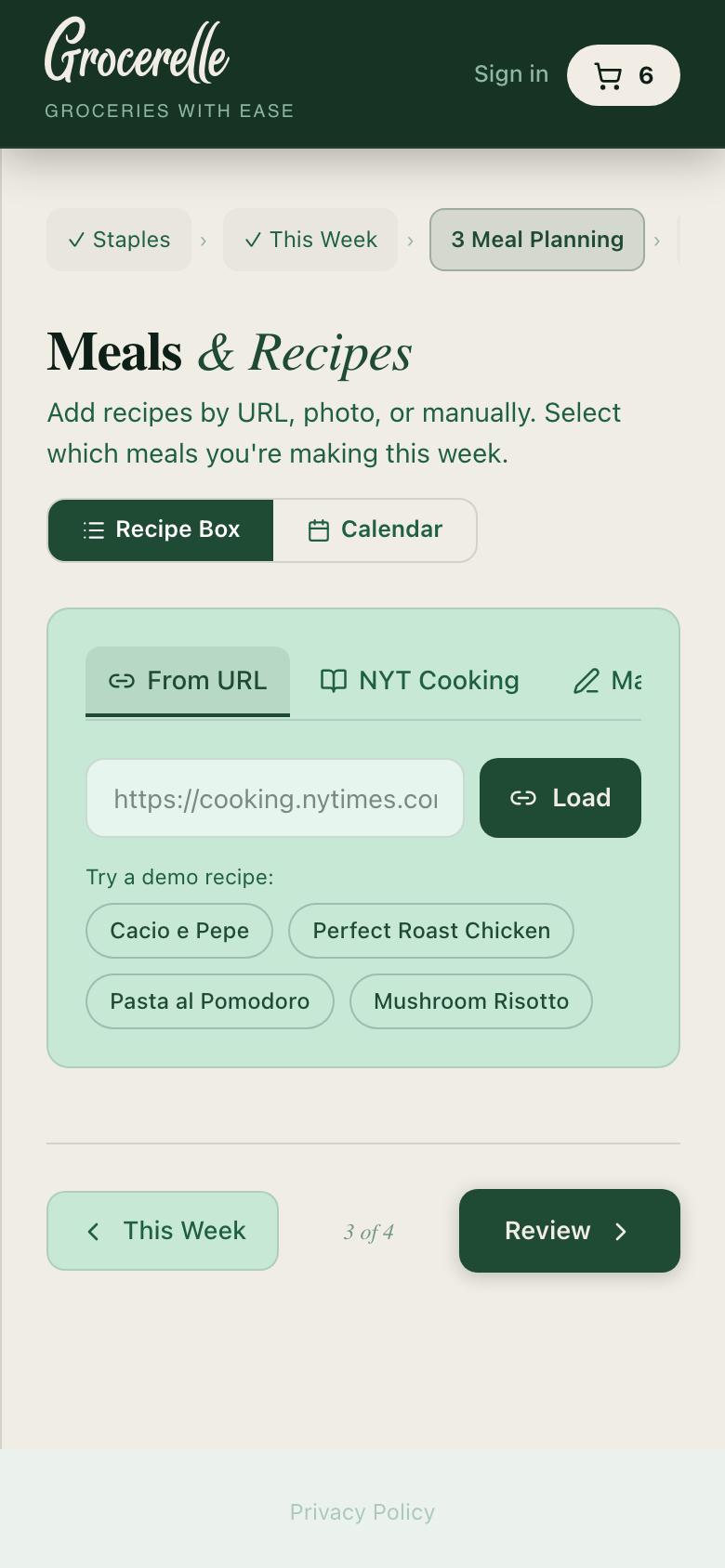
Paste a URL. Take a photo. Type it in.
Import recipes from anywhere — Instagram Reels and posts, TikTok videos, NYT Cooking, Bon Appétit, any blog. Or snap a photo of a recipe card. Everything lands in your Recipe Box, and the meals you pick for the week drop their ingredients straight into the cart.
Plan the days, if you want to.
This week's meals wait in a tray above the week — tap a meal, tap a day, it's placed. Anything you add to a day joins the cart too. Or skip the step entirely; nothing here stands between you and your order.
No more duplicate parmesan.
When you review your cart, AI flags overlapping ingredients across your staples and recipes — and suggests smart merges. One tap to resolve.
Share the cart, or just the recipe.
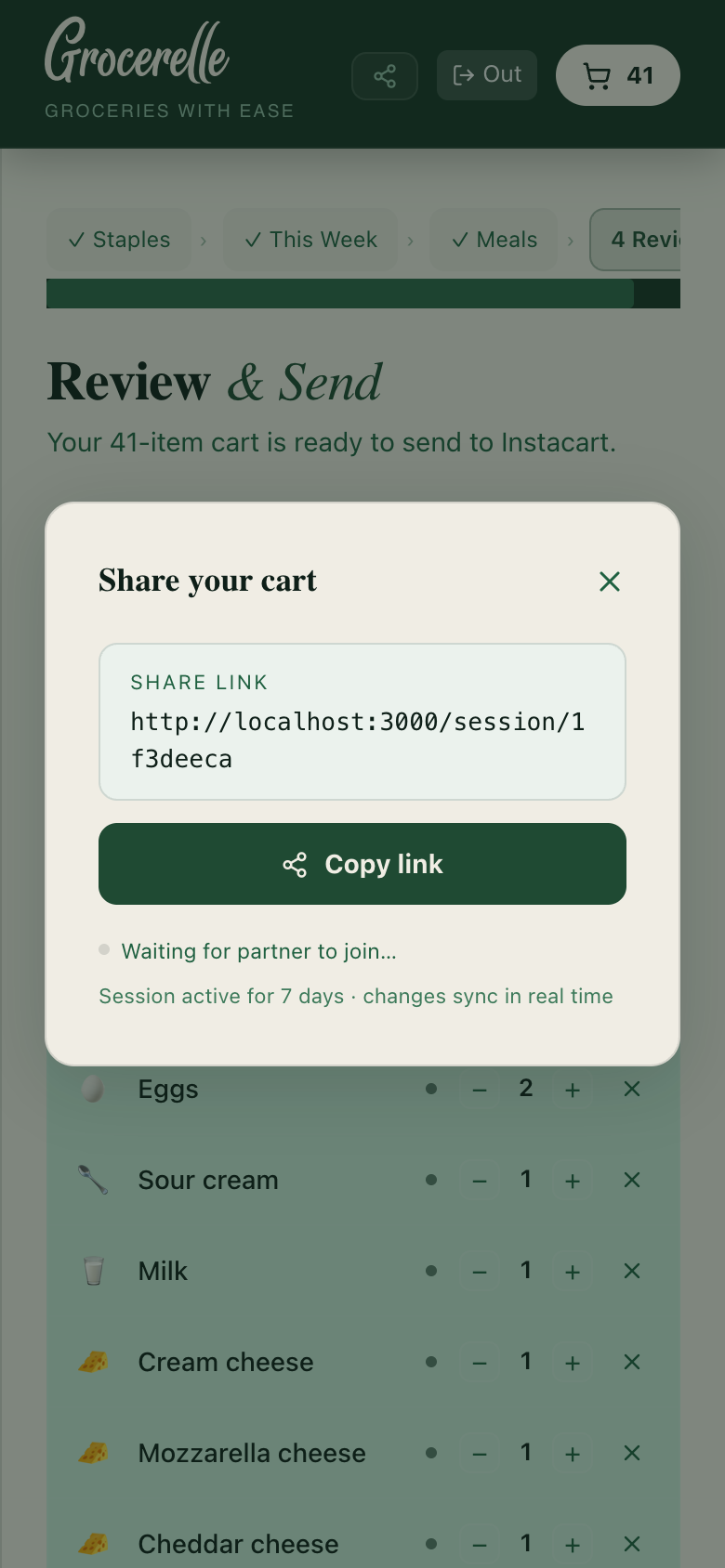
Hand the whole cart to a partner, roommate, or family member and changes sync live — no more duplicate texts about who's grabbing milk. Or send one recipe on its own, when all you want is for someone to have what you're making.
The cart syncs in real time; a shared recipe is a fixed copy, so your later edits stay yours.
Your list arrives already built.
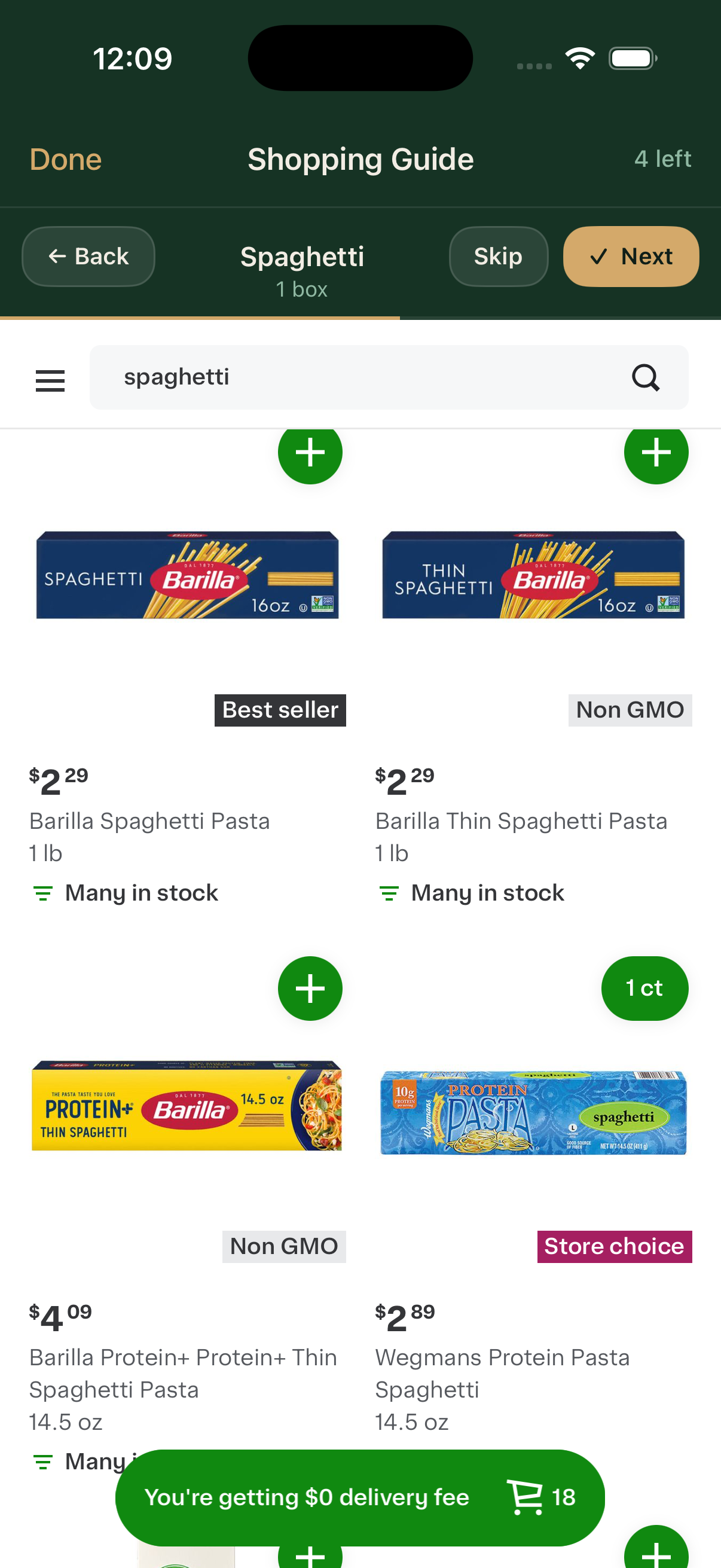
Tap Shop on Instacart and every item comes with you — matched, sized, ready to add. Pick your store, look over the matches, check out. If you're coming from AnyList, this is the part that changes: no blank homepage, no rebuilding the cart by hand.
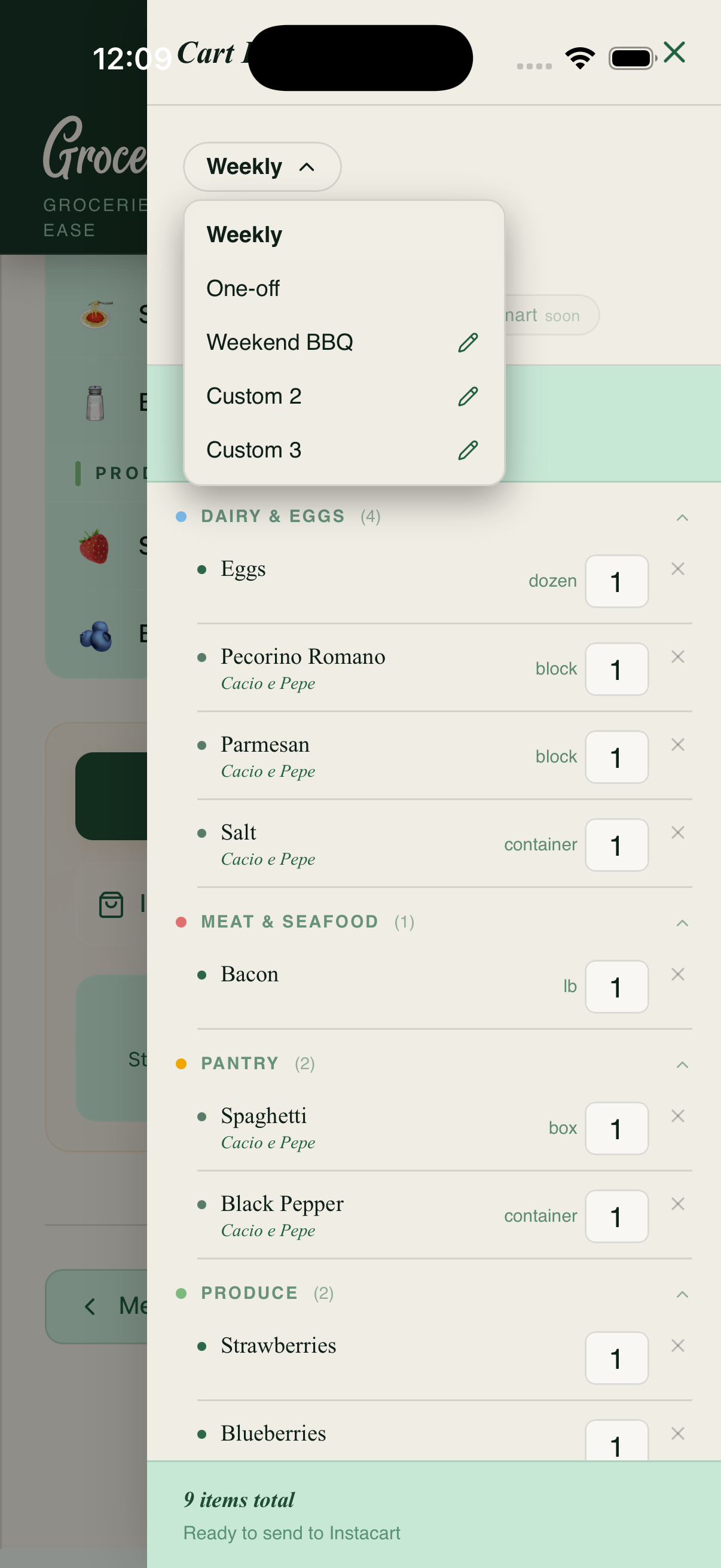
Five carts. One app.
Your recurring Weekly cart for the things you always need. A blank One-off cart for midweek runs. Three custom slots for hosting weekends, holiday meals, or special trips. Switch instantly — everything saves.
Pricing
30 days free,
then $3.99 / month.
No credit card required. Cancel anytime from your account.
$3.99
per month after your first 30 days
- ✓AI-powered grocery planning
- ✓Instagram, TikTok & URL recipe import
- ✓Instacart integration
- ✓Multiple cart slots
- ✓Unlimited staples & recipes